5 things to prepare before ordering a brochure website
A brochure website turns out well when the company knows what it wants to say. When texts, photos and contacts are gathered along the way, the work drags on and the site says too little. Here are five things any small or mid-sized company, in any line of work, can prepare in advance.
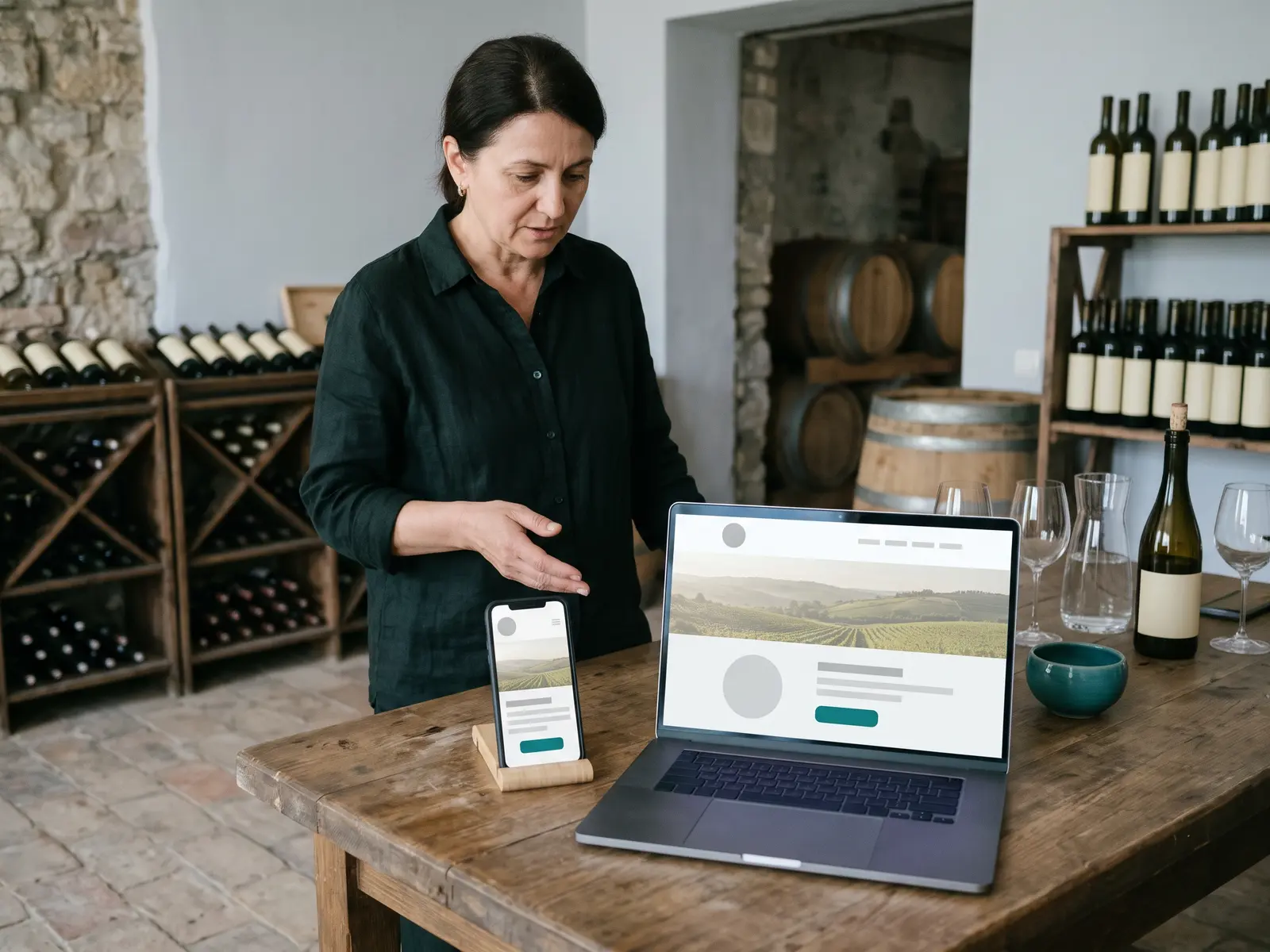
What should the website do for the company?
A Facebook or Instagram page helps, but it does not replace a website. The site belongs to the company, shows up in Google when someone looks for the service and is where the social media link leads. A brochure website usually asks the visitor for one action: a call, a message or a visit. We start every site with one question: what does a person do after reading it? If the company wants to sell online or take bookings, that is a different project, an online shop or a booking system, and it is better to know from the start.
How to prepare it
- Write one sentence on what a client does after reading the site: calls, sends a message, comes to the office or something else.
- Note the three questions clients ask most often by phone or in messages. The answers become the content of the site.
- Decide whether the company only needs to present itself or also to sell or take bookings online.
What to ask the developer
- Which type of website fits our goal, and why?
- Which action does the site ask of visitors, and where does it appear on each page?
Which pages does a brochure website need, and what goes on each?
For a small company a few pages are usually enough: the home page, services or products, about the company and contacts. Sometimes frequently asked questions are added. More pages do not make a better site. What matters is the first screen: within seconds it says what the company does, for whom and where. We put the contacts on every page, not only on the last one.
How to prepare it
- Write one line for each page: what the visitor learns there.
- Open two or three websites of companies in the same field and note what is missing or was hard to find.
- Write what the first screen must show: what the company does, for whom and where.
What to ask the developer
- Which pages does the proposed site have, and what appears on the first screen of each?
- What does adding a new page after launch involve?
Who writes the website texts, and in which languages?
The core texts come from the company, because only it knows its clients. The developer places them on the page, shortens them and makes them easy to read. A common mistake on small company websites is text that talks about the company instead of answering the client. General phrases such as innovative solutions or market leader say nothing. Plain answers help: what the company does, where it works, its hours, how to order. In Moldova clients search in both Romanian and Russian, and the text in each language is written separately, not machine translated. Reviews appear only if they are real and the client has agreed.
How to prepare it
- Write a short paragraph for each page on the list, with the answers to the clients’ questions.
- Read the text out loud. A sentence that sounds like an advert is replaced with a fact: what, where, when.
- Decide which languages the site will have and who checks each one.
What to ask the developer
- Who writes or edits the texts, and in which languages?
- What does a second language involve: who writes it and who checks it?
Which logo and photos does the website need?
The logo should be a quality file, vector or high resolution, not a screenshot. Real photos of the place, the team or the products say more than pictures taken from the internet, and the company must have the right to use them. A good phone and daylight are often enough. Images made specially for the site are illustrations and are never presented as real clients or real work.
How to prepare it
- Find the original logo file, from whoever designed it or from the printer.
- Take a few photos with a phone in daylight: the place, the team at work, the products or the result of the service.
- For each photo, note who took it and whether the company has the right to use it.
What to ask the developer
- In which format are the logo and photos needed?
- Who holds the rights to the images made for the site?
Which contacts go on the site, and where do enquiries go?
The site shows the phone, e-mail, address with a map, opening hours and company details, plus the messenger clients write to: Viber, Telegram, WhatsApp or another one the company already uses. The same details should be in the company’s Google profile, otherwise clients do not know which to trust. Form messages go to a company mailbox, and someone answers them within an agreed time. A form nobody answers does more harm than no form at all. The domain, access and costs after launch have their own list, in the article on what to check before paying for a website.
How to prepare it
- List the contact details and compare them with the company’s Google profile.
- Agree who reads the form messages and how soon they reply.
- Ask for a short note next to the form on how the data sent through it is used.
What to ask the developer
- Which address do form messages go to, and who can read them?
- How is the site linked to the company’s Google profile?
The short list
- It is written down what a visitor should do after reading the site.
- The list of pages and each page’s purpose are written down.
- The core texts for each page are written.
- The logo and photos are gathered, with the right to use them.
- It is agreed where form messages go and who answers them.
Questions to ask the developer
The questions show up here after a no or a not sure.
All five points are covered.
- Which type of website fits our goal, and why?
- Which action does the site ask of visitors, and where does it appear on each page?
- Which pages does the proposed site have, and what appears on the first screen of each?
- What does adding a new page after launch involve?
- Who writes or edits the texts, and in which languages?
- What does a second language involve: who writes it and who checks it?
- In which format are the logo and photos needed?
- Who holds the rights to the images made for the site?
- Which address do form messages go to, and who can read them?
- How is the site linked to the company’s Google profile?
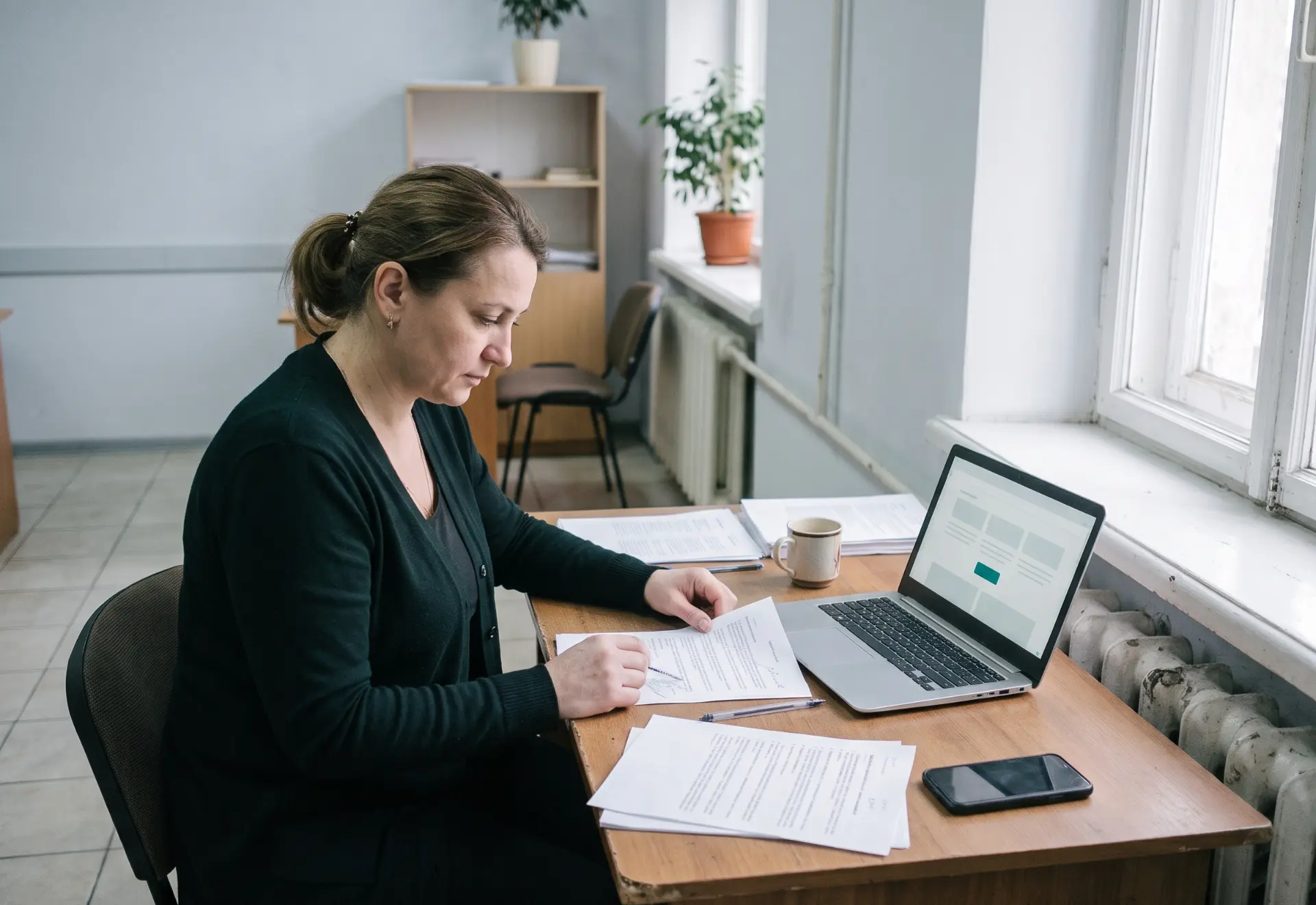
A brochure website says on its first screen what the company does and how to reach it
This is how we work on a brochure website: first we agree what the visitor should do, then we ask for the texts, because texts often hold up a site longer than the build does, and we put the contacts on every page. What the brand website includes 5 things to check before you pay for a website
A written quote within 3 working days
A few lines about the company and what the site or program should do are enough. We reply with the right questions, then with a written quote.