Before ordering a custom CRM: 5 things to check
Clients live in Excel, in chats and on managers’ phones, and a custom CRM looks like the fix. Five short checks show what the system has to do from day one, how the client history gets into it and what stays with the company that pays for it.
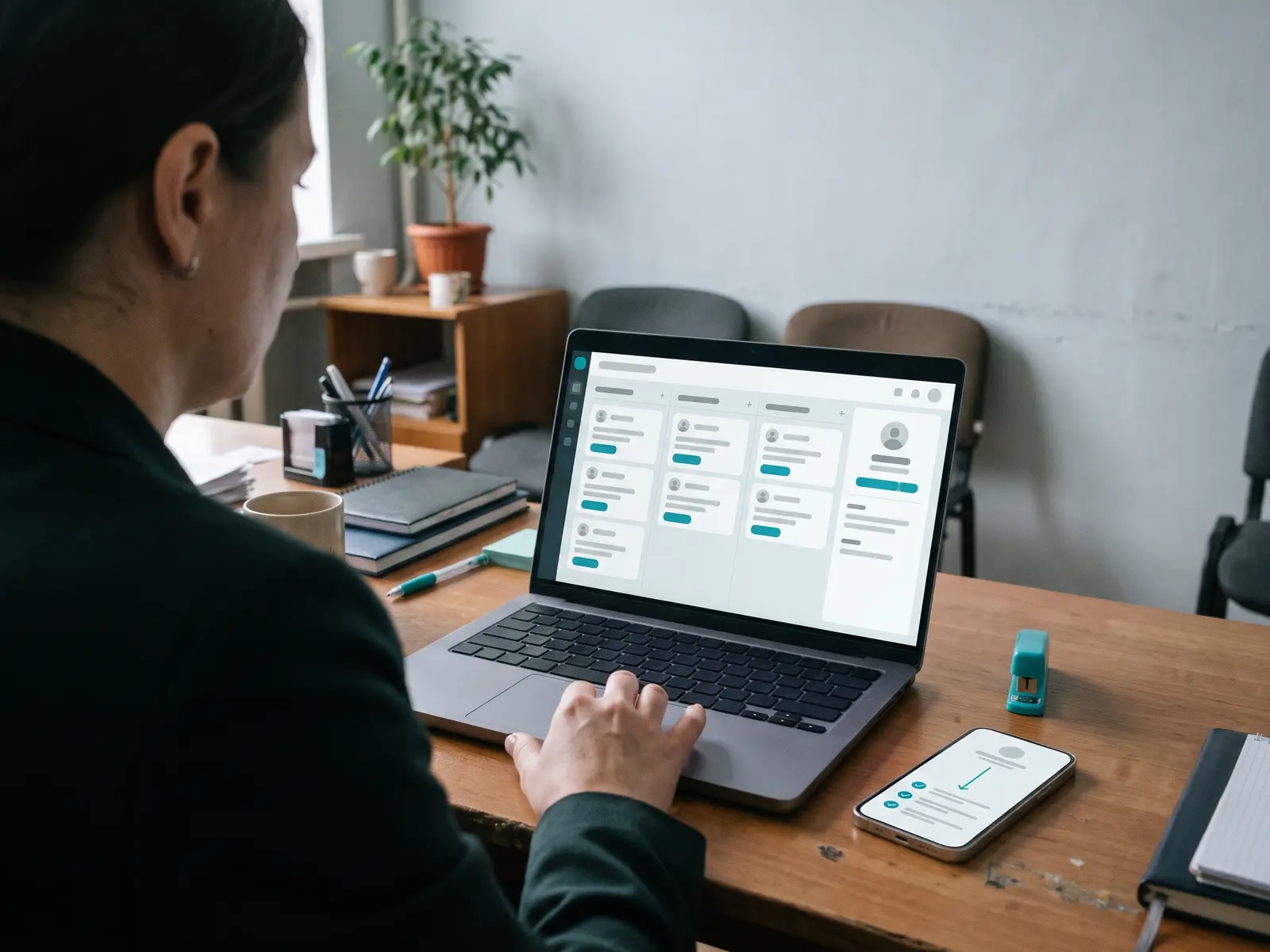
The sales stages and the number of users are clear before the quote
A CRM mirrors the way a company sells. If the stages are not clear on paper, they will not become clear in software. This is also the moment to count who will use it. That number decides whether a per-user subscription, a system the company owns or even its own SaaS platform makes more sense.
How to check it in five minutes
- Follow one real request from the first call to the invoice and note each stage it passes and who handles it.
- Count everyone who touches an order: sales, warehouse, field staff, management. Then compare a per-user subscription for all of them over several years with a system the company owns.
- Ask for a first stage that covers only clients, requests and their stages, with a fixed price in the written quote.
What to ask the developer
- Which steps of our sales go into the first stage of the CRM and what can wait?
- How many users is the system planned for and what changes in cost as the team grows?
Client history from Excel and phones moves into the CRM intact
When a manager leaves, their clients often stay only on their phone and in their chats. A new CRM helps only if the old history arrives clean and without duplicates. After that, each person sees what their role allows, and every change has an author and a date.
How to check it in five minutes
- Gather every Excel sheet with clients and ask how duplicates are caught during the import, such as the same client spelled two ways.
- Check that visibility can be split by role and by branch and that every change is logged with its author and date.
- Ask how the CRM looks in the browser of an ordinary phone, with internet, for managers who work on the road.
What to ask the developer
- How do we move clients from our Excel sheets and who checks for duplicates before launch?
- Who sees what in the CRM and where can we see who changed a client’s details?
The client portal answers the questions clients keep asking
Many daily calls are the same: where is the order, where is the invoice, which document is missing. A portal where clients see this for themselves frees up the team. Status notifications help too, but the messages have a monthly cost that should be known in advance.
How to check it in five minutes
- For one week, note what clients ask most often by phone and in chats about orders and invoices.
- Decide what clients see in their account (order status, documents, invoices) and which files they can upload themselves.
- Choose the notification channels, such as e-mail, SMS or the messenger already in use, and ask for a written estimate of the monthly messaging cost.
What to ask the developer
- What will our clients see in the portal and what can they upload themselves?
- Which channels send the notifications and what will the messages cost per month, estimated in writing?
Website requests and the 1C link are checked before the quote
If requests from the website, e-mail and phone are copied by hand, the CRM becomes one more spreadsheet. Invoices stay in 1C or the accounting program and are not rebuilt in the CRM. So the 1C configuration is checked before the quote, and the line between the developer and the 1C partner is written down from the start.
How to check it in five minutes
- List where requests come from today (the website form, e-mail, telephony) and check whether each can reach the CRM on its own.
- Confirm that invoices are still issued in 1C or the accounting program, not in the CRM.
- Ask for the exchange the 1C configuration already has to be checked before the quote. Any change inside 1C is made by the company’s 1C partner to a format agreed in writing, and exchange errors are logged.
What to ask the developer
- Which requests reach the CRM on their own, and from where, without copying them by hand?
- Is our 1C configuration checked before the quote, and what stays with our 1C partner?
The client base, the code and the settings stay with the company
The client base is one of the most valuable things a company has. It should sit on a server the company chooses and be exportable at any time. Just as important: stages, roles and templates change often, and a small change should not need a programmer.
How to check it in five minutes
- Sign the data processing agreement (Law 195/2024) before the import, and check that the data sits on the server the company chooses and can be fully exported at any time.
- Look in the contract for the clause that says the contract transfers the economic rights to the code written for the project. Access to the code belongs to the company from day one.
- Check that the company’s administrator can change stages, roles and templates without a programmer, and ask for the monthly server cost in writing.
What to ask the developer
- Where does our client data live and how do we export all of it if needed?
- What can we change in the CRM ourselves without a programmer and what does the server cost per month, estimated in writing?
The short list
- The sales stages and the number of users are clear, and the first stage has a fixed price in the written quote.
- Client history comes in from Excel without duplicates, and each role sees only what it needs.
- The portal answers the questions clients keep asking, and the monthly messaging cost is estimated in writing.
- Requests reach the CRM on their own, invoices stay in 1C, and the boundary with the 1C partner is written down.
- The data sits on the server the company chooses, the code belongs to the company, and basic settings change without a programmer.
Questions to ask the developer
The questions show up here after a no or a not sure.
All five points are covered.
- Which steps of our sales go into the first stage of the CRM and what can wait?
- How many users is the system planned for and what changes in cost as the team grows?
- How do we move clients from our Excel sheets and who checks for duplicates before launch?
- Who sees what in the CRM and where can we see who changed a client’s details?
- What will our clients see in the portal and what can they upload themselves?
- Which channels send the notifications and what will the messages cost per month, estimated in writing?
- Which requests reach the CRM on their own, and from where, without copying them by hand?
- Is our 1C configuration checked before the quote, and what stays with our 1C partner?
- Where does our client data live and how do we export all of it if needed?
- What can we change in the CRM ourselves without a programmer and what does the server cost per month, estimated in writing?

A CRM is worth paying for only if the team opens it every day.
That is how we build a CRM: we start with clients and requests, each stage has a fixed price in the written quote, and the code and access belong to the company from day one. What a custom CRM includes
A written quote within 3 working days
A few lines about the company and what the site or program should do are enough. We reply with the right questions, then with a written quote.